

Your website is often the first impression a potential customer has of your business. A slow, cluttered, or confusing site doesn’t just frustrate visitors—it sends them straight to a competitor. In a market as competitive as California’s, where businesses of every size are vying for attention online, getting your web design and development right isn’t optional. It’s essential.
At SanMo CA, we’ve worked with countless businesses across Southern California to build websites that don’t just look great—they perform. Whether you’re launching a brand-new site or looking to overhaul an existing one, this guide breaks down the most important web design and development best practices that separate high-performing websites from the ones that quietly drain your marketing budget.
Read on to discover what truly makes a website work—and what you should start doing differently today.
Why Web Design & Development Matters More Than Ever
 The numbers paint a clear picture. According to Google, 53% of mobile users abandon a site that takes longer than three seconds to load. Meanwhile, research from Sweor found that it takes just 0.05 seconds for users to form an opinion about your website. That’s faster than a blink.
Web design and development influence everything—from how long a visitor stays on your page, to whether they trust your brand enough to make a purchase. Done right, your website becomes your most powerful sales tool. Done poorly, it actively undermines everything else you’re doing in marketing.
So, what does “done right” actually look like?
Start With a User-First Design Philosophy
The foundation of any high-performing website is a user-first mindset. This means designing every element—navigation, layout, typography, imagery—with the end user’s experience in mind, not just visual appeal.
How should you structure website navigation for the best user experience?
Clear, intuitive navigation is non-negotiable. Visitors should be able to find what they’re looking for within a few clicks, without having to think too hard. A well-structured navigation menu typically includes no more than seven top-level items, uses descriptive labels (not clever but vague ones), and remains consistent across every page of the site.
Drop-down menus can be useful for sites with larger content libraries, but they should never be so complex that they overwhelm the user. When in doubt, simplicity wins.
What role does visual hierarchy play in web design?
Visual hierarchy guides the user’s eye toward the most important elements on a page. This is achieved through size, color, contrast, and spacing. Your headline should be the most prominent element. Your call to action (CTA) should stand out clearly against the background. Supporting text and secondary elements should recede visually so the user’s attention isn’t pulled in too many directions.
At SanMo CA, we consistently find that pages with a clear visual hierarchy outperform cluttered designs—often dramatically—in conversion rate testing.
Prioritize Mobile Responsiveness
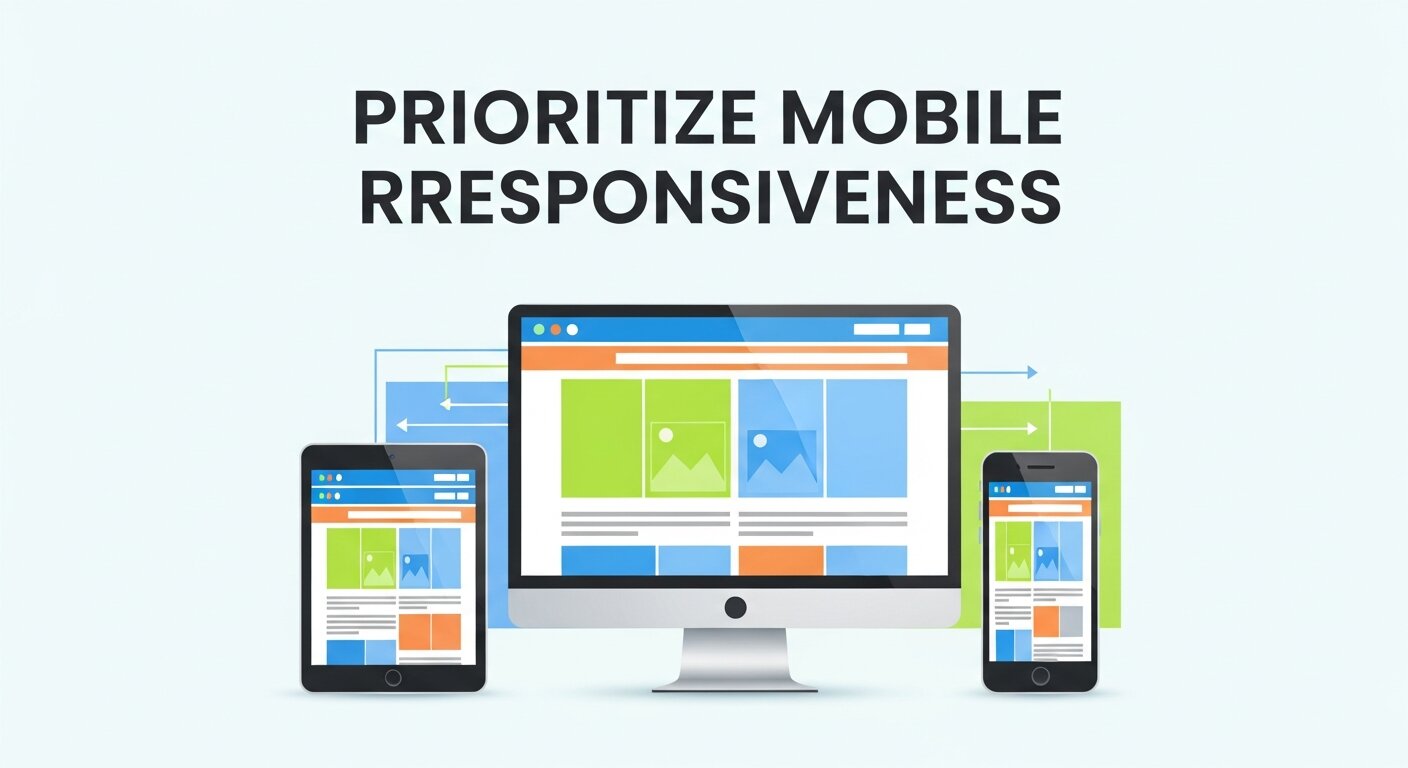 More than 60% of web traffic now comes from mobile devices, according to Statista. A website that looks polished on a desktop but breaks apart on a smartphone is losing more than half of its potential audience before they’ve read a single word.
Mobile responsiveness means your site automatically adjusts its layout, font sizes, images, and interactive elements to suit the screen it’s being viewed on. This isn’t just about aesthetics. Google uses mobile-first indexing, meaning the mobile version of your site is what gets evaluated for search rankings.
Practical steps to ensure mobile responsiveness include:
- Use a responsive CSS framework like Bootstrap or Tailwind CSS
- Test on multiple devices and browsers, not just the one on your desk
- Ensure tap targets (buttons, links) are large enough to use comfortably on a touchscreen
- Avoid relying on hover effects that don’t translate to mobile interactions
Optimize for Speed—Every Second Counts
Page speed is one of the most direct levers you can pull to improve both user experience and search engine rankings. Google has confirmed that site speed is a ranking factor, and the data on user behavior backs this up firmly.
What are the most effective ways to improve website loading speed?
Several technical improvements can have an immediate impact on load times:
Image optimization: Large, uncompressed images are one of the most common causes of slow load times. Use modern formats like WebP, compress images before uploading, and implement lazy loading so images only load when they enter the viewport.
Minimize HTTP requests: Every element on a page—scripts, stylesheets, fonts, images—requires a separate request to the server. Reducing the number of elements, combining files where possible, and using CSS instead of images for simple design elements all help reduce load time.
Leverage browser caching: When a browser caches your site’s assets, returning visitors experience significantly faster load times because their browser doesn’t have to re-download everything from scratch.
Use a Content Delivery Network (CDN): A CDN distributes your site’s assets across servers worldwide, so visitors load content from a server geographically close to them. For businesses serving clients across California and beyond, this is particularly valuable.
Minify code: Remove unnecessary whitespace, comments, and redundant code from your HTML, CSS, and JavaScript files to reduce file sizes.
Tools like Google PageSpeed Insights and GTmetrix can give you a detailed breakdown of where your site is losing speed—and exactly what to fix.
Build for SEO From the Ground Up
 Search engine optimization and web development are more intertwined than many people realize. A beautifully designed site that search engines can’t properly crawl or index will struggle to generate organic traffic, no matter how good the content is.
What web development practices have the biggest impact on SEO?
Semantic HTML: Using proper HTML tags—<h1> for main headings, <nav> for navigation, <article> for content—helps search engines understand the structure and meaning of your pages.
Clean URL structure: URLs should be descriptive, readable, and consistent. A URL like /web-design-best-practices is far more effective than /page?id=4872.
Structured data (Schema markup): Adding schema markup to your site helps search engines display rich results—like star ratings, FAQs, or event details—directly in search results. This can significantly improve click-through rates.
XML sitemaps and robots.txt: These files guide search engine crawlers through your site, ensuring all important pages are indexed and irrelevant ones (like admin pages) are excluded.
Core Web Vitals: Google’s Core Web Vitals—Largest Contentful Paint (LCP), First Input Delay (FID), and Cumulative Layout Shift (CLS)—measure real-world user experience. Optimizing for these metrics directly supports both SEO and user satisfaction.
Make Accessibility a Priority, Not an Afterthought
Web accessibility ensures that people with disabilities—including those using screen readers, keyboard navigation, or other assistive technologies—can use your site effectively. Beyond being the right thing to do, accessibility is also a legal consideration. The Americans with Disabilities Act (ADA) has been applied to websites in numerous court cases, and businesses that ignore accessibility risk both lawsuits and exclusion of a significant portion of their audience.
Key accessibility practices include:
- Providing alt text for all images
- Ensuring sufficient color contrast between text and backgrounds
- Making all interactive elements keyboard navigable
- Using ARIA labels to describe UI elements for screen readers
- Avoiding content that flashes or blinks rapidly, which can trigger seizures in some users
The Web Content Accessibility Guidelines (WCAG) 2.1 provide a comprehensive framework for achieving accessibility compliance. Aiming for Level AA compliance is the standard for most businesses.
Design With Conversion in Mind
 A high-performing website doesn’t just attract visitors—it converts them. This means thinking deliberately about what action you want each visitor to take, and designing the site to guide them toward that action.
How do you design a website that drives conversions?
Clear calls to action: Every key page should have a single, prominent CTA that tells the visitor exactly what to do next—whether that’s “Get a Free Quote,” “Book a Consultation,” or “Download the Guide.” Ambiguity kills conversions.
Trust signals: Reviews, testimonials, case studies, certifications, and recognizable client logos all build credibility. Placing these near CTAs can significantly increase conversion rates.
Simplified forms: Long, complicated forms are a major source of drop-off. Ask only for the information you genuinely need, and consider breaking multi-step forms into smaller, sequential sections.
A/B testing: High-performing websites are never truly “finished.” Regular testing of headlines, CTA text, button colors, and page layouts allows you to make data-driven improvements over time.
Keep Security and Maintenance Front of Mind
A secure, well-maintained website protects your business and your customers. HTTPS (indicated by an SSL certificate) is now a baseline expectation—Google flags non-HTTPS sites as “Not Secure,” and many users will abandon a site the moment they see that warning.
Beyond SSL, website security involves:
- Regular software updates for your CMS, plugins, and themes
- Strong password policies and two-factor authentication for admin access
- Regular backups stored securely off-site
- Malware scanning and firewall protection
Security breaches don’t just compromise data—they damage reputation and trust in ways that are very difficult to rebuild.
Frequently Asked Questions
What is the most important factor in web design for high performance?
Speed and usability are the two most critical factors. A site that loads quickly and is easy to navigate will retain more visitors, rank higher in search results, and convert at a higher rate than a site that prioritizes aesthetics alone.
How long does it take to build a high-performing website?
Timelines vary depending on the complexity of the project. A straightforward business website typically takes four to eight weeks from discovery to launch. Larger, more complex sites with custom functionality can take several months. Proper planning at the outset significantly reduces the risk of delays.
How much does professional web design and development cost?
Costs vary widely based on scope, features, and the agency or developer you work with. Small business websites can range from a few thousand dollars to tens of thousands for enterprise-level builds. At SanMo CA, we provide transparent pricing tailored to your specific goals and budget.
Do I need to redesign my website, or can it be optimized?
Not every underperforming website needs a full redesign. In many cases, targeted improvements—faster hosting, better image optimization, clearer navigation, and stronger CTAs—can deliver significant results without starting from scratch. A professional audit is the best way to determine the right path forward.
What is mobile-first design, and why does it matter?
Mobile-first design means building a website with the mobile experience as the primary consideration, then scaling up for larger screens. Given that the majority of web traffic comes from mobile devices and that Google uses mobile-first indexing for search rankings, this approach is now considered standard best practice.
How often should a website be updated or redesigned?
Content should be updated regularly—ideally on an ongoing basis. A full redesign is typically warranted every three to five years, or sooner if the site no longer reflects your brand, fails to meet modern performance standards, or is consistently underperforming against your business goals.
Build Better With SanMo CA
Web design and development best practices aren’t a checklist you complete once and forget. High-performing websites require ongoing attention—speed optimization, content updates, security patches, and conversion testing are all continuous processes.
At SanMo CA, we help businesses across California build websites that look exceptional and deliver measurable results. From initial strategy and UX design through to development, SEO, and long-term maintenance, our team brings the expertise and attention to detail that modern websites demand.
Ready to build a website that actually works for your business? Contact SanMo CA today to get started.