Your website could be working against you right now—and you might not even know it.
Slow load times, broken links, and unresolved SEO errors don’t just frustrate visitors; they actively push your site down in search rankings and cost you conversions. Google’s algorithms are sophisticated enough to penalize these issues, while users are impatient enough to leave within seconds if a page doesn’t load fast enough.
A complete website audit gives you a clear, actionable picture of what’s holding your site back. Rather than guessing why your traffic has plateaued or why your bounce rate keeps climbing, an audit hands you the data you need to make targeted improvements. The result? A faster, cleaner, better-ranking site.
This guide walks you through every major component of a full website audit—from diagnosing speed issues to hunting down broken links and fixing the SEO errors that quietly drain your site’s potential. Whether you’re a business owner, marketer, or developer, this is your starting point.
What Is a Complete Website Audit?
A complete website audit is a thorough evaluation of your website’s technical performance, on-page SEO, content quality, and user experience. The goal is to identify issues that are limiting your site’s visibility, functionality, or conversion rate—and prioritize fixes based on their impact.
Audits aren’t a one-time task. Search engine algorithms evolve, websites accumulate technical debt, and content ages. Running a complete website audit at least once per quarter keeps your site in peak condition and ensures issues are caught early, before they compound.
At SanMo CA, we help businesses identify and resolve these issues systematically—ensuring websites perform at their best across every metric that matters.
Step 1: Audit Your Website Speed
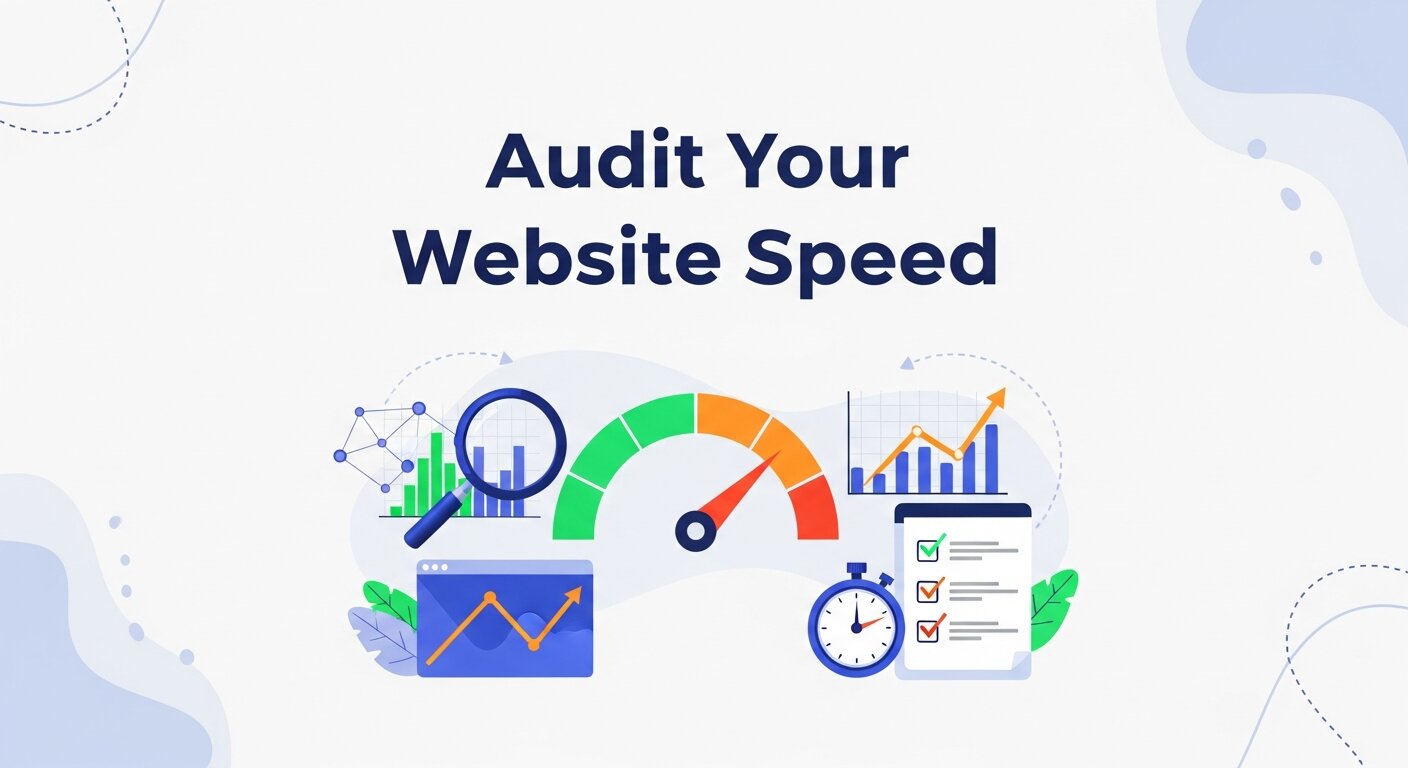 Page speed is one of Google’s confirmed ranking factors, and it’s also one of the most direct influences on user experience. Research from Google shows that as page load time increases from one second to three seconds, the probability of a visitor bouncing increases by 32%.
How to Measure Site Speed
Start with Google’s free tools:
- Google PageSpeed Insights – Analyzes load performance on mobile and desktop, and provides specific recommendations.
- Google Search Console (Core Web Vitals report) – Flags pages with poor performance across metrics like Largest Contentful Paint (LCP), Cumulative Layout Shift (CLS), and Interaction to Next Paint (INP).
- GTmetrix – Offers a detailed waterfall breakdown of exactly what’s slowing your page down.
Common Speed Issues and How to Fix Them
Uncompressed images are the most common culprit. Large, unoptimized images add unnecessary load to every page. Convert images to modern formats like WebP and use tools like Squoosh or ShortPixel to compress them without sacrificing quality.
Render-blocking JavaScript and CSS delay how quickly a browser can display your page. Defer non-critical JavaScript and remove unused CSS to speed up initial rendering.
Slow server response times (also called Time to First Byte, or TTFB) often point to hosting issues. If your TTFB consistently exceeds 600ms, it may be time to upgrade your hosting plan or switch providers.
Lack of browser caching means returning visitors re-download the same assets every visit. Configure cache-control headers so browsers store static resources locally.
No Content Delivery Network (CDN) means all users load assets from a single server location. A CDN distributes your content across global servers, dramatically reducing load time for users far from your origin server.
Step 2: Find and Fix Broken Links
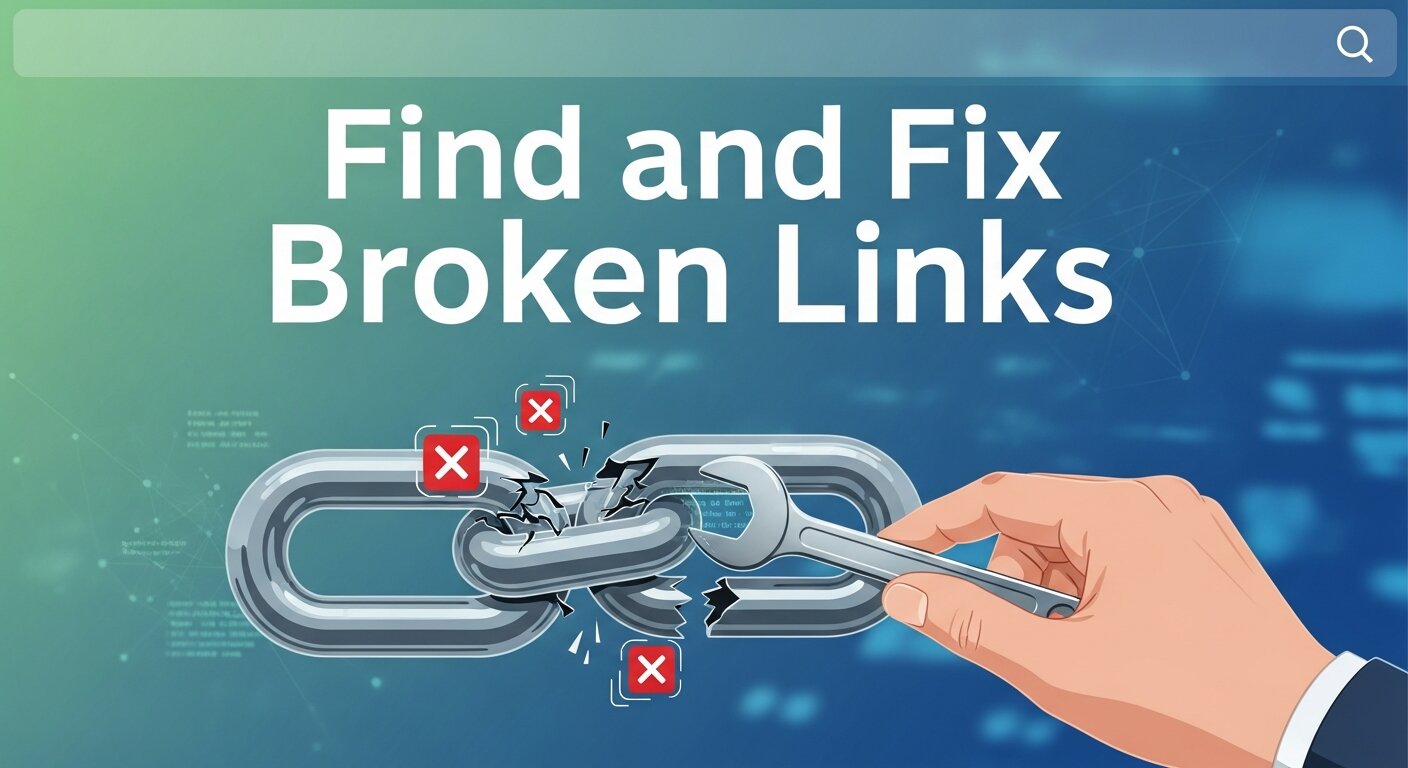 Broken links—both internal and external—damage your SEO and frustrate users. When Google’s crawlers encounter a broken link, they waste crawl budget on dead ends. When users click one, they hit a dead end, too.
How to Find Broken Links
- Screaming Frog SEO Spider (free up to 500 URLs) crawls your entire site and flags 404 errors, redirects, and broken links in one report.
- Google Search Console surfaces crawl errors under the “Coverage” and “Pages” sections.
- Ahrefs or SEMrush can identify broken backlinks—valuable links from other websites pointing to pages that no longer exist on your site.
How to Fix Broken Links
Internal broken links should be corrected immediately. Update the link to point to the correct URL, or remove it if the destination page has been permanently deleted.
Broken external links can’t always be controlled, but you can remove or replace them with links to working, relevant sources.
404 errors from deleted pages that previously had traffic or backlinks should be handled with a 301 redirect. This passes the link equity from the old URL to the most relevant existing page, preserving your SEO value rather than losing it.
Build a habit of running a link audit monthly. Websites evolve—pages get deleted, URLs change, and external sites go offline. Staying on top of broken links is an ongoing task, not a one-time fix.
Step 3: Resolve Technical SEO Errors
Technical SEO forms the foundation of your site’s search visibility. Even excellent content struggles to rank if the technical infrastructure is broken.
Crawlability and Indexation
The first question to ask: Can Google actually see your pages? Check your robots.txt file to ensure it isn’t inadvertently blocking important pages from being crawled. Then review your XML sitemap—it should be up to date, submitted to Google Search Console, and free of URLs that return errors or redirects.
Use the URL Inspection tool in Google Search Console to check whether specific pages are indexed. If important pages are flagged as “Discovered – currently not indexed” or “Crawled – currently not indexed,” there may be deeper issues with content quality or internal linking.
Duplicate Content
Duplicate content confuses search engines and dilutes your ranking signals. Common causes include:
- HTTP and HTTPS versions of pages both being accessible
- www and non-www versions both being live
- URL parameters creating multiple versions of the same page
- Duplicate product or category pages on e-commerce sites
The solution is consistent use of canonical tags (rel=”canonical”) to signal which version of a page is the authoritative one. Ensure your site redirects all HTTP traffic to HTTPS and resolves www/non-www inconsistencies.
Missing or Poorly Optimized Metadata
Every page on your site should have a unique, keyword-rich:
- Title tag (50–60 characters)
- Meta description (up to 155 characters)
- H1 heading (one per page)
Title tags and meta descriptions don’t directly impact rankings, but they significantly affect click-through rates from search results. A compelling, relevant meta description can be the difference between a user clicking your result or a competitor’s.
Schema Markup
Structured data (schema markup) helps search engines understand your content and can earn your site rich results—star ratings, FAQs, event listings, and more. Use Google’s Rich Results Test to check whether your schema is implemented correctly and whether your pages are eligible for enhanced search features.
Mobile Usability
Google uses mobile-first indexing, which means the mobile version of your site is what gets evaluated for rankings. Run a Mobile Usability check in Google Search Console to uncover issues like text too small to read, clickable elements too close together, or content wider than the screen.
Step 4: Audit Your On-Page SEO and Content
Technical fixes matter, but content quality is equally important. During your audit, review each key page for the following:
Keyword targeting: Is each page clearly optimized for a primary keyword? Does it appear naturally in the title tag, H1, first paragraph, and throughout the content?
Content depth: Thin content—pages with fewer than 300 words or those that don’t comprehensively answer the user’s query—tend to underperform. Either consolidate these with stronger pages or expand them with genuinely useful content.
Internal linking: A strong internal linking structure helps users navigate your site and distributes authority across pages. Audit your important pages to ensure they’re being linked to from relevant, high-traffic pages.
Image alt text: Every image should have descriptive alt text that reflects its content. This improves accessibility and helps search engines understand your images.
Step 5: Review Your Backlink Profile
Your backlink profile—the collection of external websites linking to yours—is one of the strongest signals in Google’s ranking algorithm. A healthy backlink profile consists of relevant, authoritative links. A toxic one can actively suppress your rankings.
Use Ahrefs, SEMrush, or Google Search Console to review your inbound links. Look for:
- Spammy or irrelevant links from low-quality sites
- A sudden drop in referring domains (which may indicate lost backlinks)
- Links pointing to 404 pages (which should be reclaimed via 301 redirects)
If you identify toxic links, use Google’s Disavow Tool as a last resort after attempting to remove them manually.
Analyze Website User Experience (UX)
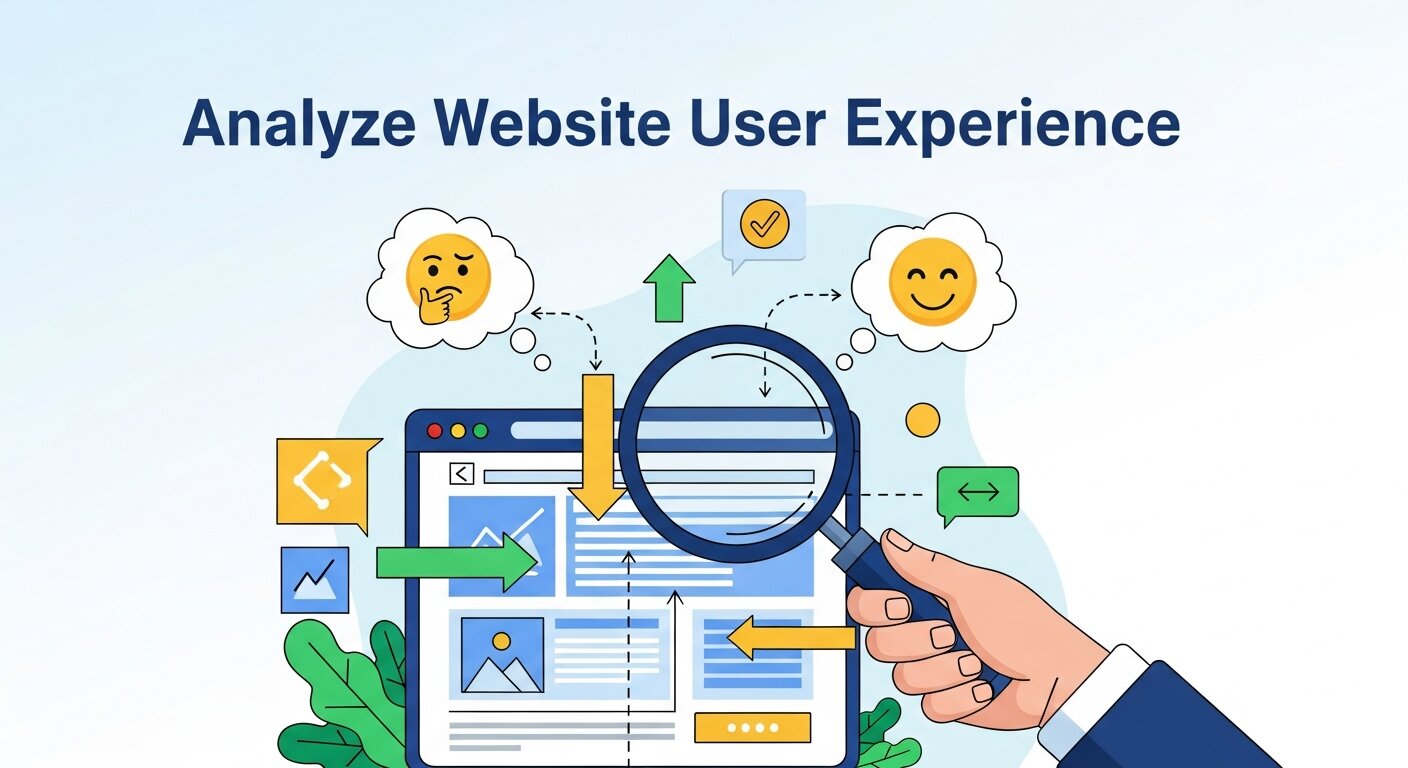 User experience plays a major role in determining whether visitors stay on your website or leave within seconds. During a website audit, evaluating the usability and design of your site is essential. Visitors should be able to navigate your website easily and find the information they need without confusion. A clean layout, clear menus, and logical page structure help improve user engagement. Check whether important pages are easy to reach within a few clicks and ensure your call-to-action buttons are visible and effective. Also, review mobile usability, readability, and visual hierarchy. If users struggle to navigate your website or locate key information, they are more likely to abandon it quickly. Improving user experience can significantly increase engagement, conversions, and overall website performance.
Evaluate Website Analytics and Traffic Behavior
Analyzing website analytics helps you understand how visitors interact with your website. During a website audit, reviewing traffic data provides valuable insights into user behavior, popular pages, and potential problem areas. Metrics such as bounce rate, average session duration, and pages per session reveal whether visitors are engaging with your content or leaving quickly. Identifying pages with high bounce rates can highlight issues like slow loading speed, poor content relevance, or confusing navigation. Additionally, traffic sources—such as organic search, social media, or referrals—help you understand which channels are driving the most visitors. By studying these patterns, you can make data-driven improvements to your website structure, content strategy, and marketing efforts to increase traffic and improve overall performance.
Check Website Security and Vulnerabilities
 Website security is an important part of any complete website audit. Cyber threats such as malware infections, hacking attempts, and data breaches can severely damage a website’s reputation and functionality. During the audit, check whether your website uses HTTPS encryption and has a valid SSL certificate installed. Review your hosting security features, firewall protection, and malware scanning systems. Outdated plugins, themes, or content management systems can create vulnerabilities that attackers may exploit. It is also important to ensure that strong passwords and secure login practices are being used across all administrative accounts. Regular security monitoring and updates help protect both your website and your visitors’ information. A secure website builds trust with users and helps maintain your online credibility.
Frequently Asked Questions
1. How often should I run a complete website audit?
A full audit is recommended at least once per quarter. However, if you’ve recently made major changes to your site—such as a redesign, CMS migration, or significant content updates—run an audit immediately afterward to catch any issues introduced by those changes.
2. How long does a website audit take?
It depends on the size of your site. A small business website with 50–100 pages can be audited in a few hours using the right tools. Larger sites with thousands of pages may require several days of analysis and prioritization.
3. What tools do I need for a website audit?
The core toolkit includes Google Search Console, Google PageSpeed Insights, Screaming Frog SEO Spider, and either Ahrefs or SEMrush. Many of these have free tiers or trials that are sufficient for smaller sites.
4. Can I do a website audit myself, or do I need a professional?
Many audit tasks can be completed by anyone comfortable with digital tools. However, fixing the issues uncovered—particularly technical SEO and site speed—often requires developer involvement or professional guidance. SanMo CA offers complete website audit services to help businesses identify and resolve issues efficiently.
5. What’s the most important thing to fix first?
Prioritize issues that directly impact crawlability and indexation first (since Google can’t rank what it can’t see), followed by speed issues, then on-page SEO, then content. Broken links and metadata gaps can usually be fixed alongside the others.
Turn Audit Findings Into Real Results
A complete website audit is only as valuable as the action it drives. The audit itself reveals the gaps—but sustained improvement comes from fixing them systematically and revisiting them regularly.
Start with your highest-impact issues: speed, crawlability, and broken links. These technical fundamentals underpin everything else. From there, work through your on-page SEO, content quality, and backlink profile.
If the process feels overwhelming, SanMo CA is here to help. Our team specializes in conducting thorough website audits and implementing the fixes that drive measurable improvements in rankings, speed, and conversions. Get in touch to find out how a complete website audit can transform your site’s performance.