The internet is no longer just a library of text; it is a broadcast network. Every minute, hundreds of hours of video content are uploaded to the web, creating a fiercely competitive environment for attention. For businesses and creators, simply uploading a video and hoping for the best is a strategy destined for failure. To truly capture an audience and dominate search results, you must move beyond the basics of titles and tags. You need to understand the machinery behind the rankings.
Advanced Video SEO is not just about keywords; it is a multi-faceted discipline involving technical backend optimization, psychological triggers, and a deep understanding of platform-specific algorithms. Whether you are hosting content on YouTube or embedding it on a corporate site, the goal remains the same: visibility, authority, and conversion.
This comprehensive guide dives into the technical and strategic layers of search engine optimization for video. We will explore how search bots parse video content, how to manipulate metadata for maximum discoverability, and why user engagement is the ultimate ranking signal.
Decoding the Algorithms: Google vs. YouTube
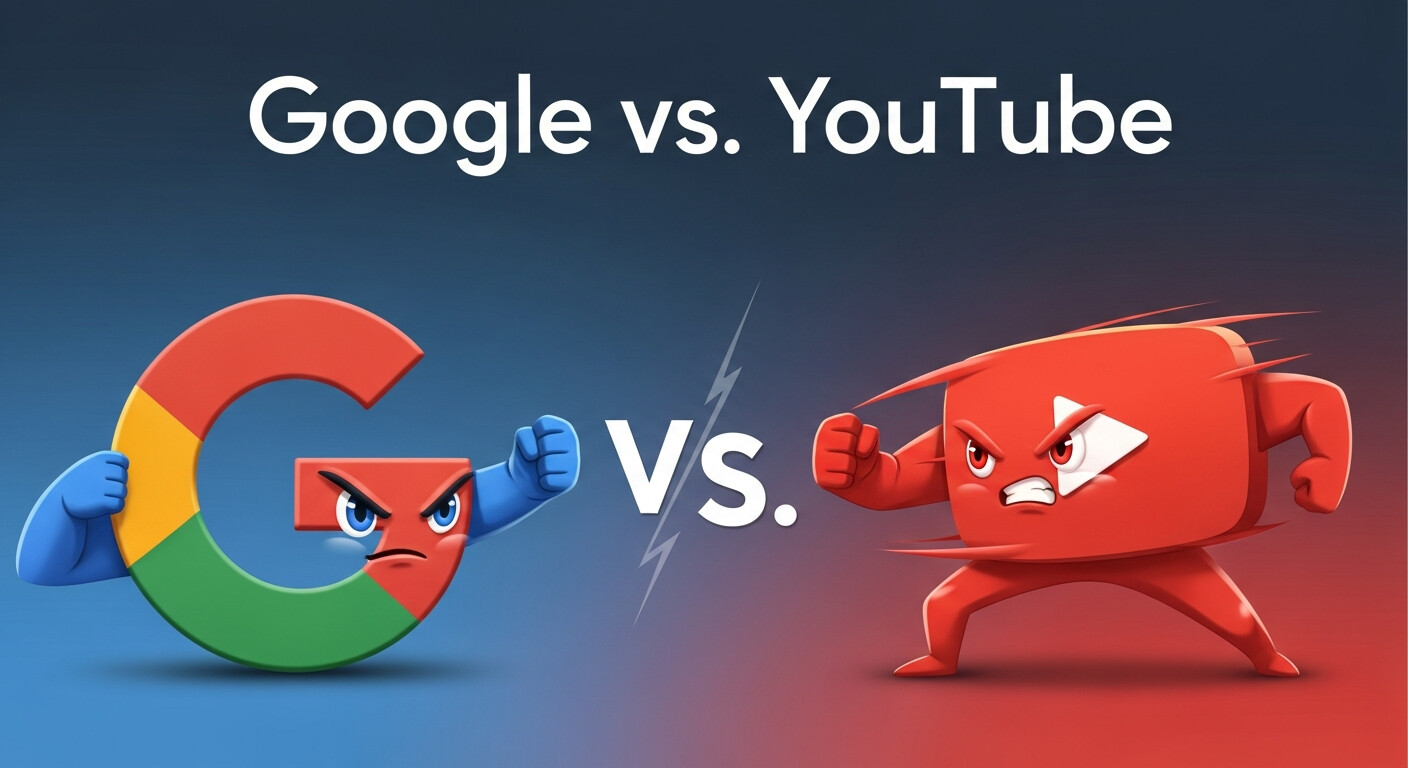
To rank effectively, you first need to understand who you are trying to impress. While they share the same parent company, Google Search and YouTube operate with distinct (though overlapping) objectives.
The Google Video Indexing System
Google’s primary goal is to organize the world’s information. When it crawls a webpage with a video, it is looking for relevance and context. Google cannot “watch” a video in the way a human does. Instead, it relies on text-based signals and code to understand the content.
For a video to appear in Google’s “Videos” tab or as a rich snippet in the main search results (SERP), Google must be able to find the video, fetch it, and index it. If your technical setup blocks Googlebot from accessing the video file or player, your content effectively doesn’t exist. Advanced Video SEO on Google leans heavily on structured data and page context. The video must be the focal point of the page, not a forgotten footer element.
The YouTube Recommendation Engine
YouTube is a discovery engine designed to keep users on the platform for as long as possible. While keywords help YouTube understand what your video is about, its algorithm prioritizes satisfaction signals.
YouTube asks two fundamental questions:
- Did the user click on this video? (CTR)
- Did they keep watching? (Retention)
If your video drives high engagement and long watch sessions, YouTube will promote it, regardless of how perfect your keyword density is. Therefore, optimizing for YouTube requires a blend of metadata for the machine and psychological hooks for the human.
The Backbone of Discovery: Technical Metadata

Moving beyond simple file names, advanced practitioners use metadata to speak directly to search crawlers. This is where you separate professional SEO strategies from amateur attempts.
Schema Markup (VideoObject)
For videos hosted on your own website (or embedded from third-party platforms), Schema markup is non-negotiable. Specifically, VideoObject structured data provides Google with all the necessary details to index your content.
This snippet of JSON-LD code tells the search engine:
- The video name and description.
- The upload date and duration.
- The thumbnail URL (crucial for rich snippets).
- The content URL (the actual video file location).
Without this markup, Google has to guess what your content is. With it, you are handing them the blueprint. This greatly increases your chances of earning a “Key Moments” segment in search results, where users can navigate directly to specific parts of your video from the SERP.
Transcripts and Closed Captions
Search engines read text. By providing a full transcript or accurate closed captions (SRT files), you open up your entire video to be crawled. If you mention a specific long-tail keyword at the 4-minute mark, a transcript allows search engines to index that specific moment.
Furthermore, captions are a vital accessibility feature. Accessibility and SEO often go hand-in-hand; making your content usable for the hearing impaired also makes it readable for bots. Avoid auto-generated captions if possible, or edit them heavily, as they are often riddled with errors that can confuse context.
Thumbnail Filenames and Alt Tags
Even your static assets contribute to SEO. When uploading a custom thumbnail, ensure the filename reflects the target keyword (e.g., advanced-video-seo-guide.jpg rather than IMG_9932.jpg). If you are embedding the thumbnail on a webpage, ensure the alt text describes the image accurately, incorporating relevant keywords naturally.
Video Engagement SEO: The User Signal
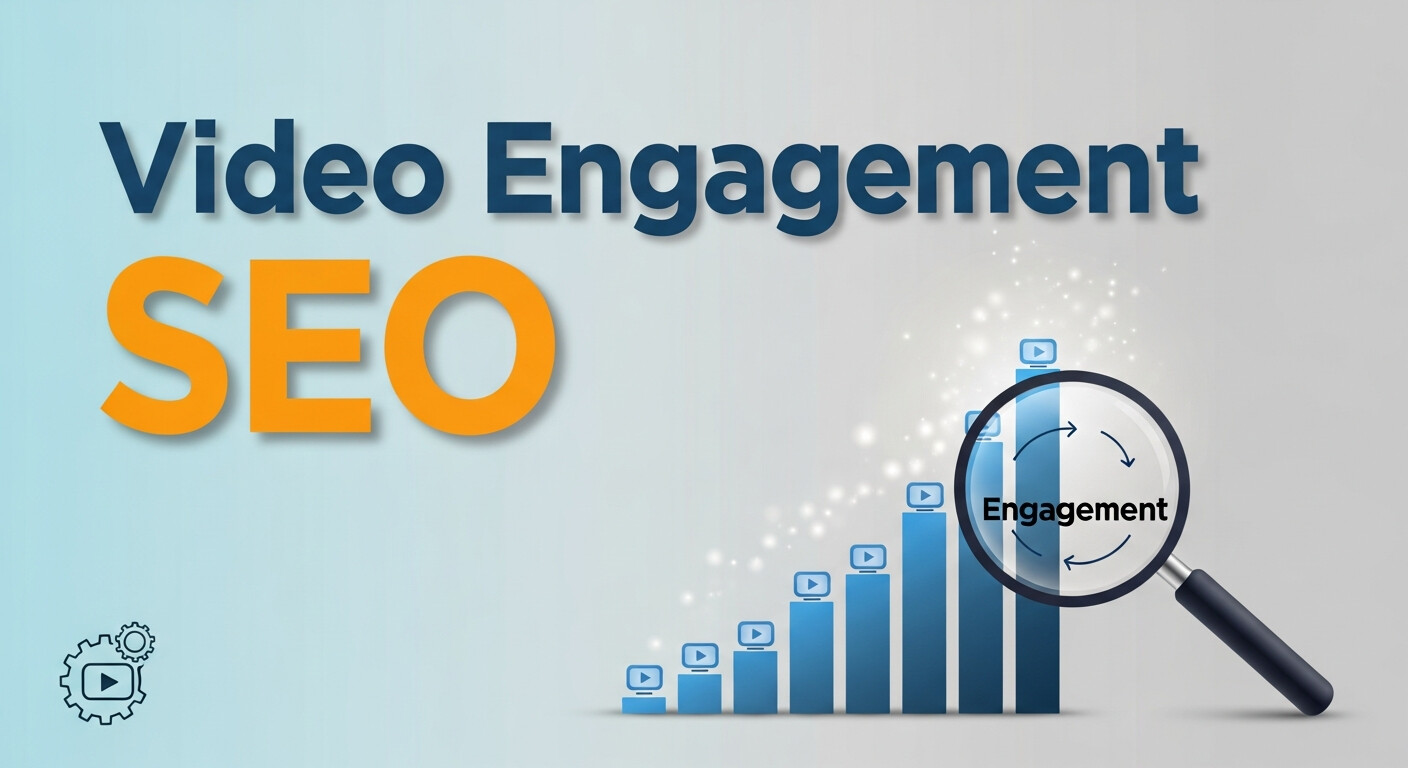
Once the technical foundation is laid and the algorithm finds your content, the ranking responsibility shifts to the user. Video engagement SEO focuses on optimizing the content itself to encourage interaction. High engagement signals to algorithms that the content is valuable, prompting them to show it to more people.
Audience Retention and the “Hook”
The first 15 to 30 seconds of your video are the most critical. Analytics platforms (like YouTube Studio) provide retention graphs showing exactly where viewers drop off. A steep drop at the beginning usually indicates that the content didn’t match the promise of the title or thumbnail.
To improve retention:
- Start with the value proposition immediately. Skip long branded intros.
- Use “pattern interrupts” (visual changes, B-roll, or angle changes) to keep the viewer’s brain engaged.
- Deliver on the promise of the headline early on.
Interaction Velocity
Algorithms look at “velocity”—how quickly engagement happens after publishing. A flurry of likes, comments, and shares in the first few hours carries more weight than the same engagement spread over a month.
Encourage interaction verbally and visually. Ask specific questions rather than a generic “leave a comment.” For example, “Do you prioritize Google traffic or YouTube traffic? Let us know below.” This prompts specific responses, signaling to the algorithm that the video is sparking conversation.
Watch Time vs. View Count
For years, “views” were the vanity metric of choice. Today, “Watch Time” is king. A video with 1,000 views and a 90% completion rate will often outrank a video with 10,000 views and a 10% completion rate. Long-form content creates more inventory for watch time, provided the content is compelling enough to sustain attention.
Video CTR Improvement: Winning the Click
Your video could be a masterpiece, but if no one clicks on it, the algorithm assumes it is irrelevant. Click-Through Rate (CTR) is the gatekeeper of video success. Strategies for Video CTR improvement are part art, part science.
The Psychology of Titles
Titles must strike a delicate balance between keyword optimization and emotional appeal. Front-load your main keywords so they aren’t cut off on mobile screens, but ensure the rest of the title creates curiosity or urgency.
- Weak: How to Do Video SEO
- Strong: Advanced Video SEO: 5 Hidden Ranking Factors
Use power words like “Guide,” “Strategy,” “Mistakes,” or numbers (e.g., “7 Tips”). Brackets often increase CTR as well (e.g., “[Case Study]”), as they offer a sneak peek into the format of the content.
The Art of Video Thumbnails Optimization
The thumbnail is arguably more important than the title. Humans process visual information faster than text. Video thumbnails optimization should focus on high contrast, emotional connection, and clarity.
- Faces: Humans are programmed to look at faces. A close-up face showing emotion (surprise, joy, intensity) usually performs better than text-only graphics.
- Contrast: Use bright colors that stand out against the white background of YouTube or Google.
- Legibility: If you use text overlay, keep it to 3-4 words maximum. It must be readable on a smartphone screen.
- Rule of Thirds: Compose your thumbnail image so the subject is off-center, leaving room for text or to avoid being covered by the platform’s time-stamp overlay.
A/B Testing
Advanced marketers never guess; they test. Tools like TubeBuddy or tailored landing page software allow you to run A/B tests on thumbnails and titles. You might find that a red background outperforms a blue one by 20%, or that a question-based title drives more clicks than a statement. Continuous testing is the only way to maximize CTR over time.
Key Moments and Chapter Markers
Google has increasingly integrated “Key Moments” into search results. These are the timestamped segments that appear below a video result, allowing users to jump directly to the answer they need.
To optimize for this:
- Add Timestamps in Description: List the start time of each section (e.g., 02:14 – Optimizing Thumbnails).
- Label Clearly: The label next to the timestamp serves as a mini-headline. Use keywords here.
- Logical Flow: Ensure the video is structured in distinct chapters.
By doing this, you are essentially giving your video multiple opportunities to rank. A user might not search for your broad topic, but they might search for the specific sub-topic covered in one of your chapters.
The Role of Distribution and Backlinks
Video SEO does not exist in a vacuum. Off-page signals, particularly backlinks, tell Google that your video is an authoritative source of information.
Strategic Embedding
Never hide your video. If the goal is to have a video rank in Google Search, it should be placed prominently near the top of a relevant blog post or landing page. The text on the page should support the video content, creating a comprehensive resource.
Building Video Backlinks
Just like traditional SEO, getting reputable websites to link to your video (or the page embedding the video) boosts authority. When you create high-value content, reach out to industry blogs or news sites that might find the video useful for their readers. A link from a high-authority domain acts as a vote of confidence for your video.
Frequently Asked Questions
Does video length affect SEO rankings?
There is no “perfect” length, but length does correlate with intent. For quick answers, short videos (under 2 minutes) often perform well. For in-depth tutorials or “advanced” guides, longer videos (10+ minutes) are preferred because they accumulate more watch time. The best length is exactly as long as it takes to cover the topic without fluff.
Should I host videos on YouTube or my own server?
For reach and brand awareness, YouTube is superior due to its massive user base. For driving traffic specifically to your website and keeping users there (conversion focus), using a business host like Wistia or Vimeo—embedded on your site—can be better. However, YouTube videos can also rank highly in Google Search, offering the best of both worlds if optimized correctly.
How long does it take for Video SEO to work?
Indexing can happen in days, but ranking is a longer game. It depends on the competitiveness of the keyword, the authority of your channel/website, and the velocity of engagement. Generally, consistent optimization over 3 to 6 months yields the most noticeable results.
Taking Your Strategy to the Next Level
Mastering Advanced Video SEO is a continuous process of adaptation. Algorithms shift, user behaviors change, and new competitors emerge daily. Success requires a commitment to the technical details—schema, metadata, and accessibility—alongside a creative dedication to engagement and click-through rates.
By focusing on the symbiosis between what the search bot reads and what the human viewer feels, you create a robust strategy that withstands algorithm updates.
For businesses looking to implement these high-level strategies without the guesswork, partnering with a specialized expert can accelerate results. Whether you are a global brand or a SanMo CA – service provider looking to dominate local and national search, the principles of advanced video SEO remain your most powerful tool for digital visibility.
Start auditing your video library today. Check your schema, analyze your retention graphs, and test your thumbnails. The opportunities for growth are waiting in the data.